Description
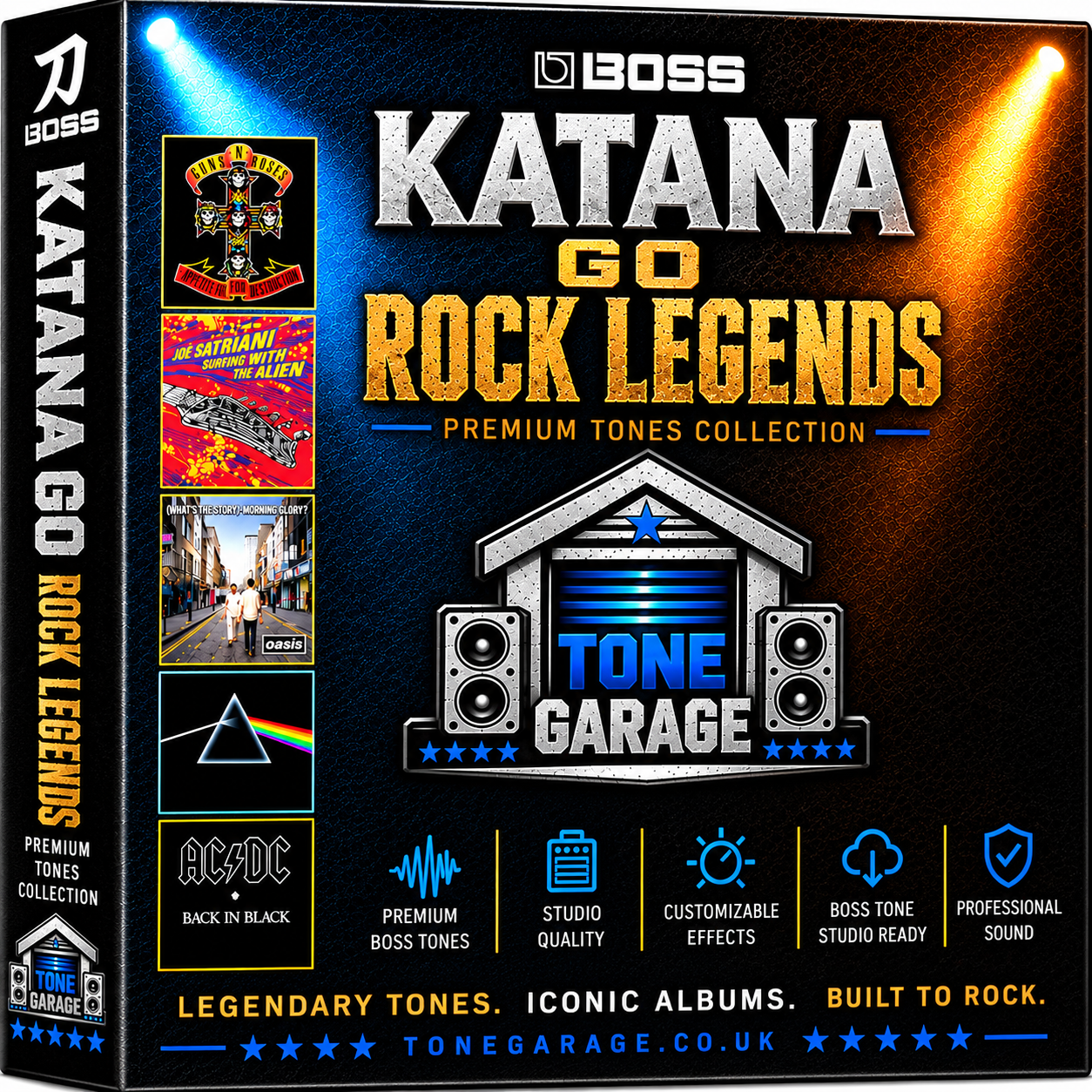
Rock Legends Collection for Boss Katana Go
this products contains nine of my artists packs together for a special price, for you to play along with many classics and enjoy!
Pink Floyd
Comfortably Numb
Money
Time
Breathe
Run Like Hell
Another Brick In The Wall Part 1
Another Brick In The Wall Part 2
Guns N Roses
Sweet Child Of Mine
Paradise City
Welcome To The Jungle
You Could Be Mine
November Rain
Knocking On Heavens Door
Iron Maiden
Running Free
Hallowed Be Thy Name
Two Minutes To Midnight
The Trooper
Run To The Hills
Wasted Years
Fear of The Dark Live At Donington
AC/DC
Back In Black
Highway To Hell
You Shook Me All Night Long
Whole Lotta Rosie
Down Payment Blues
Hells Bells
Van Halen
Eruption
Aint Talkin Bout Love
Unchained
Panama
You Really Got Me
Hot For Teacher
Joe Satriani
Surfing With The Alien
Always With Me Always With You
Summer Song
Cryin
Flying In A Blue Dream
Until We Say Goodbye
Rubina
Oasis
Don’t Look Back In Anger
Live Forever
Supersonic
Acquiesce
Wonderwall
Morning Glory
Black Sabbath
Black Sabbath
Symptom Of The Universe
Iron Man
N I B
Children Of The Grave
Into The Void
Rush
The Spirit Of Radio
Tom Sawyer
Freewill
Closer To The Heart
YYZ
A Passage To Bangkok
demos of some of the tones on Youtube here, recorded totally direct with no extra mastering as always so you can hear just how they sound!
DISCLAIMER
the music of these bands is available to buy and stream from all the best music retailers, I do not own the right for any of these songs, they are just cover versions by me, to show you how they sound.
Supplied via TSL file via Instant Download after purchase. You will need the Katana Go App to receive and import the tones we provide.
How to add my tones to your Katana Go
When you buy you receive a TSL file download link via email, you need to save that file on your phone or iPads drive, then when you have the Katana Go App open, do the following..
1. Go to the Katana Go app librarian , and press the import (down arrow button)
2. Choose import from cloud and press next
3. find the TSL file from where you have just saved it, whether it is on iCloud Drive, google drive, or iPad/iPhone
4. press on that file and it will be added to you library on the app
5. open that liveset in the app librarian
6. press the export (up arrow button) and choose export to Katana Go and press next
7. select the liveset from librarian you want to import into your Katana Go
8. choose all memory and press next
9. choose where of the 30 slots you want to save the liveset to
10. press export and it’ll put all the presets in that liveset into your Katana Go
make sure you save any existing presets in your Katana Go you want to keep into Librarian (export to librarian) as the above will overwrite them!
enjoy! and thanks so much for the amazing support!